Take a photo
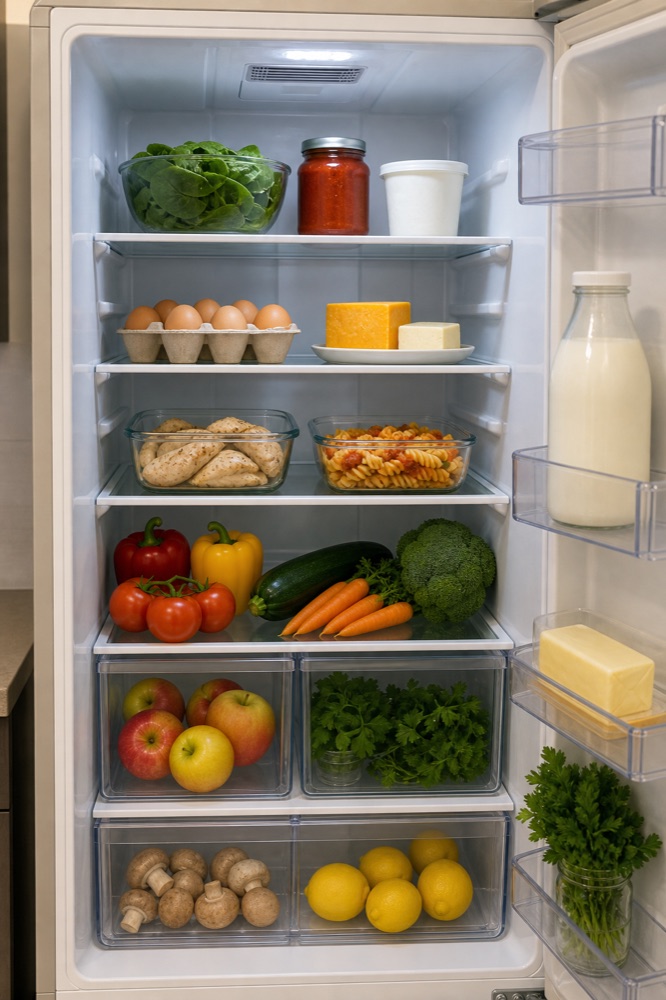
Photograph your open fridge, or place your ingredients together where they are clearly visible.
 Your FridgeGood ideas from your fridge
The free recipe app for iPhone
What should I cook tonight? Take a photo, check your ingredients and explore five recipe ideas shaped around your taste.
For iPhone · Internet and Sign in with Apple required · Daily limits apply
From fridge to dinner
You bring the ingredients. Your Fridge helps you work out what to cook with them.
Photograph your open fridge, or place your ingredients together where they are clearly visible.
AI suggests the foods it recognises. Edit the list, then choose servings, cuisine and cooking difficulty.
A successful generation gives you five recipe ideas with ingredients, time estimates and cooking steps. Choose what sounds good.
You may still need a few extras. Recipes list possible missing ingredients. Check the details before you start cooking.
Your ingredients, your taste
Some vegetables, a few eggs and a little cheese. Sometimes the missing ingredient is simply an idea. Your Fridge is a free AI recipe app for iPhone that starts with the food you have.
Keep dinner simple or explore a different cuisine. You choose the direction, and the app suggests recipes to match.
Everyday cooking ideas
Two practical ways to start with your fridge.
Turn a picture into an ingredient list you can check, then explore five ideas for dinner.
See the recipe workflow Leftovers & cuisinesUse food you already have and explore combinations inspired by a cuisine you choose.
Explore leftover ideasFAQ
A few useful details before you start cooking.
Yes. The current app is free. Ingredient analysis, recipe ideas and recipe images require no subscription or scan packs. Daily limits help protect the service from excessive use.
Its international name is Your Fridge – Five Recipes. In the German App Store it is called Kühlschrank: Rezepte mit KI. The download links on this website lead to the same app.
Yes. The app uses Sign in with Apple. Ingredient analysis and recipe generation need an internet connection. This website provides information. Photo analysis takes place in the iPhone app.
Yes. Check the suggested list, remove incorrect entries and add anything that is missing. Recipe ideas are generated from the ingredients you confirm.
Not necessarily. The app uses your selected ingredients and pantry staples as a starting point. A recipe may require extras, which are listed in the recipe.
Yes. Choose a cuisine such as Italian, Greek, Mexican or Indian. The app favours suitable traditional dishes and labels more loosely inspired ideas as inspiration. You can also ask to be surprised.
Photo recognition is not a reliable freshness or allergy check. Review the food, ingredients, quantities and cooking instructions yourself, especially if you have allergies or intolerances.
Take a photo, check your ingredients and see your fridge through five new recipe ideas.